A hospital runs on supplies that have to be in the right place, in the right quantity, before anyone needs them — consumables before an operation, linen before the next shift. The general store is the unglamorous register that keeps that true, and it is separate from the pharmacy because the two behave differently: pharmacy stock is sold to a patient, store stock is issued to a ward.
The register
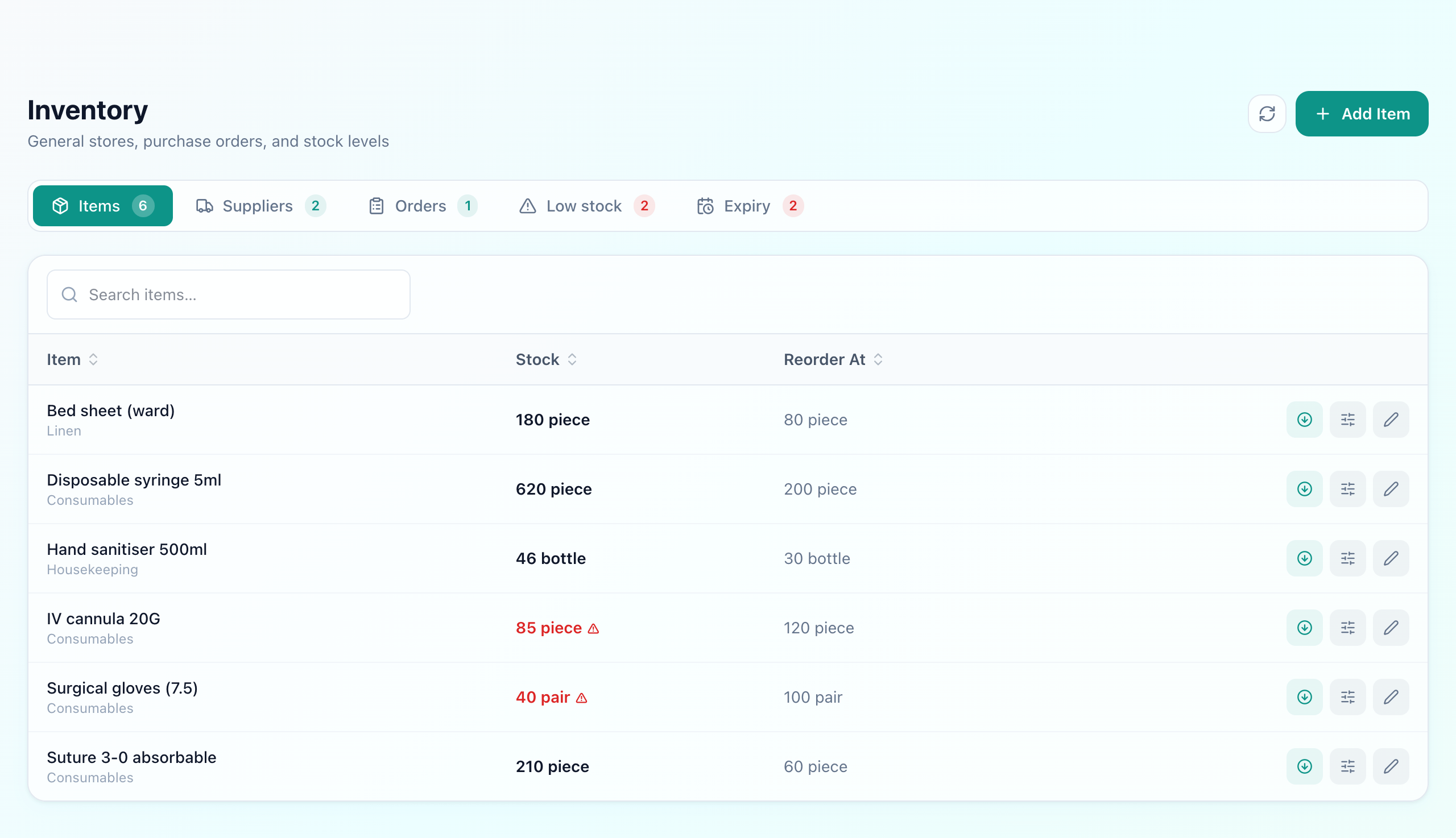
An item is a name, a category, a unit and two numbers: what is on hand and the level below which it needs reordering. Each item's reorder level is its own, which is the whole point. Gloves at 40 pairs against a threshold of 100 is urgent; hand sanitiser at 46 bottles against a threshold of 30 is fine. A single hospital-wide rule would have flagged the wrong one.
Set the level from how fast it moves
The cycle
From reorder point to shelf
Stock falls low
Flagged on its own level
PO raised
Lines and a supplier
Marked ordered
Placed, and waiting
Received
Batch and expiry recorded
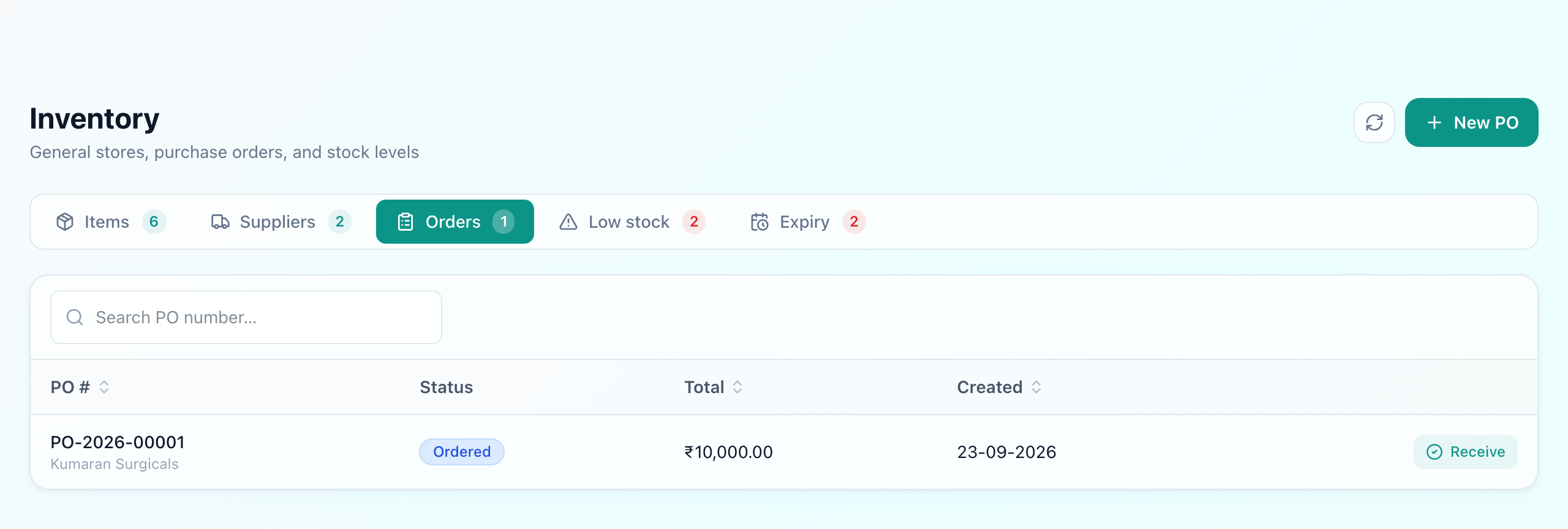
A purchase order is lines of item, quantity and price against a supplier. It starts as a draft, becomes ordered when it is actually placed, and is received against itself when the goods arrive. That last step is the one that matters: receiving records the batch, expiry and unit cost, and the stock figure moves as a consequence rather than being typed in. A delivery that is short is received short, and the order stays partially received instead of quietly closing.
Raising the PO is a deliberate act, not an automatic one. The low-stock tab tells you what needs ordering; a person decides what to order and from whom. That is the right place for judgement — nobody wants software posting orders to a supplier on its own — but it does mean somebody has to look at the tab, which is worth building into a weekly routine rather than hoping.
Batches and expiry
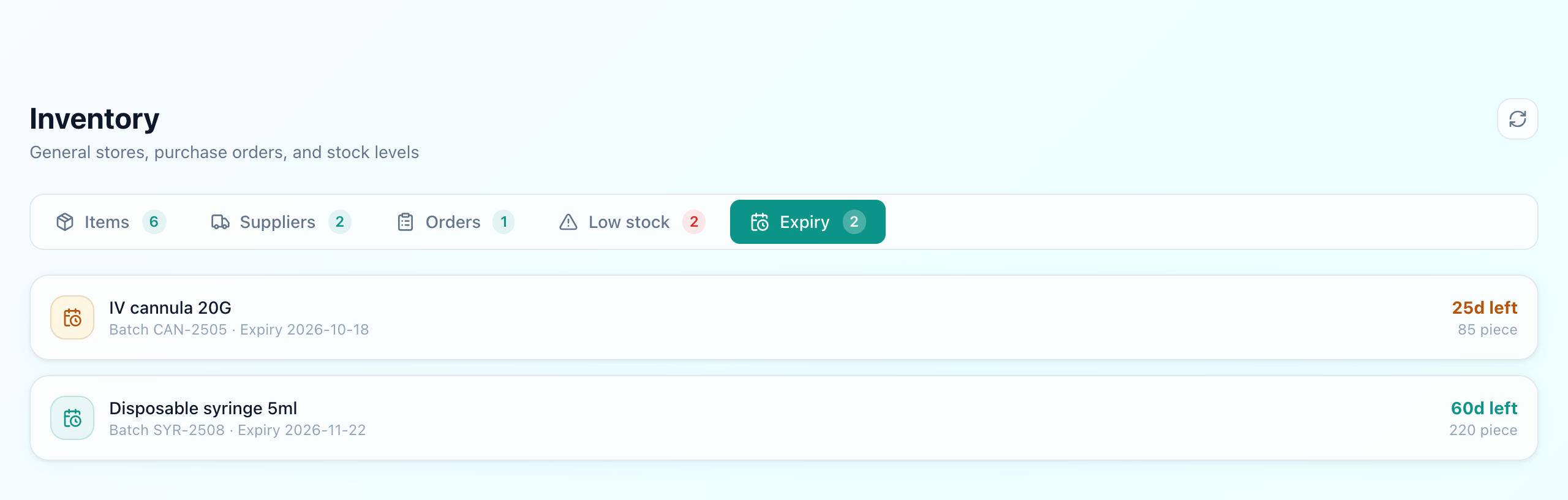
Sterile consumables expire. Stock is held as batches, each with its own expiry and cost, and issuing takes from the batch that expires first — the same first-expiry-first-out rule the pharmacy uses. The expiry tab shows what is approaching its date, which is the difference between returning stock to a supplier and writing it off.
It also means the cost you paid is attached to the stock you hold, rather than being an average nobody can trace back to a delivery.
What this does not do
Uyirly's store is a single register for the hospital. It does not model separate stores— a central store, an OT store and ward-level stock as distinct locations with transfers between them. If your hospital needs to answer “how much is on Ward 3 right now” as opposed to “how much do we have”, that is a real gap and worth raising before you buy rather than after.
Nor does it calculate reorder levels from consumption history — you set them, and revise them when experience says they are wrong.
What Uyirly does
- An item register with category, unit, stock on hand and a per-item reorder level.
- A low-stock tab listing exactly what is below its own threshold.
- Suppliers with a contact person, phone and email, attached to orders and batches.
- Purchase orders with lines and a total, moving draft → ordered → received or partially received.
- Receiving that records batch, expiry and unit cost, and updates stock from that.
- Issue and adjustment that consume the earliest-expiring batch first.
- An expiry tab for batches approaching their date.
Getting started
The general store is part of Uyirly's hospital management software, alongside the pharmacy for drug stock — which has its own batch, expiry and dispensing workflow. Start a 30-day free trial with no credit card.